
国外怎么看世界杯中文解说直播?海外党体育观赛终极指南(附2026美加墨世界杯观赛攻略)
If you’re an overseas student, expat, or Chinese living abroad, you’ve probably stared at a “region not supported” message while trying to watch the Euro Cup (在海外怎么看欧洲杯), NBA playoffs, or domestic football leagues on platforms like CCTV5 or Migu Video. The root cause? Content licensing agreements lock most Chinese sports streams to users within the country—your overseas IP address is the barrier. But this guide will break down how to bypass these restrictions with a reliable return accelerator, using Tomato Accelerator as your go-to tool, and even prep you for the 2026 FIFA World Cup in North America.
Why Can’t You Access Domestic Sports Streams Overseas?
Most Chinese streaming platforms like CCTV5, Migu Video, and Tencent Sports sign content deals that limit distribution to China. When you try to log in from abroad, their servers detect your IP address and block access immediately. This means no more late-night NBA games with Chinese commentary, no World Cup matches on CCTV5, and no Migu Video’s exclusive football content—until you fix your IP problem.
How to Pick the Right Return Accelerator for Sports Streaming?
Not all accelerators are created equal, especially for live sports. Here’s what to look for, and how Tomato Accelerator checks all the boxes:
First, global node coverage. Tomato has nodes spread across the world, and its smart algorithm automatically recommends the optimal line for your location—no more guessing which node works best for CCTV5 or Migu Video. Second, multi-platform support: Tomato works on Android, iOS, Windows, and Mac, and lets one account run on multiple devices at the same time. Imagine watching a game on your laptop while your friend streams on their phone—no extra fees needed.
Stability is non-negotiable for live sports. Tomato offers stable unlimited traffic, with intelligent traffic splitting that prioritizes sports streams over other data. It also has dedicated lines for video and gaming, plus 100M exclusive bandwidth—so you can stream in 1080p or 4K without buffering, even during peak match times. Security is another key: Tomato uses encrypted专线传输 to protect your data, so you don’t have to worry about privacy leaks while streaming.
Finally, after-sales support. If you run into issues—like a sudden connection drop during a crucial game—Tomato’s professional tech team is available 24/7 to help. They respond quickly and can troubleshoot everything from node selection to app compatibility.
Step-by-Step Guide to Watching Domestic Sports Streams Overseas
Let’s get practical. Here’s how to use Tomato Accelerator to solve region restrictions for CCTV5 and Migu Video:
1. Download and install Tomato: Go to the official Tomato Accelerator website, pick the version for your device (Android, iOS, Windows, Mac), and follow the simple setup steps. It takes less than a minute.
2. Sign up and log in: Create an account (you can try a free trial first) and log in. Choose a subscription plan that fits your needs—monthly or annual options are available.
3. Connect to the optimal node: Open Tomato, and it will automatically suggest the best node for sports streaming. Click “Connect” and wait a few seconds—your IP will now appear as if you’re in China.
4. Open your favorite platform: For CCTV5 (国外看CCTV5的直播怎么解决地区限制), launch the CCTV5 app or visit its website—no more region errors. For Migu Video (海外如何观看咪咕视频体育直播), open the app, search for the NBA game or football match you want, and start streaming. You’ll get the same Chinese commentary and high-quality video as you would back home.
2026美加墨世界杯: Watch Chinese Commentary Live Overseas
The 2026 World Cup is just around the corner, and if you’re in North America or any other country, you don’t have to settle for foreign commentary. Here’s how Tomato will help: On match day, open Tomato and select the dedicated sports node (it’s marked for live events). Connect, then open CCTV5 or Migu Video—both will broadcast the World Cup with Chinese commentary. Even if you’re in a time zone where games are at 3 AM, Tomato’s stable acceleration ensures no buffering during penalty shootouts or last-minute goals. And since it supports multi-device use, you can invite friends over to watch together—each on their own phone or laptop—without any lag.
Common Issues & Quick Fixes
Buffering during a game? Try switching to another node (Tomato has plenty of options). If that doesn’t work, check your local internet connection. Region error still popping up? Make sure you’re connected to a Chinese node—Tomato’s smart recommendation usually fixes this, but you can manually select one if needed. App not loading? Restart both Tomato and the streaming app, or contact Tomato’s support team for instant help.
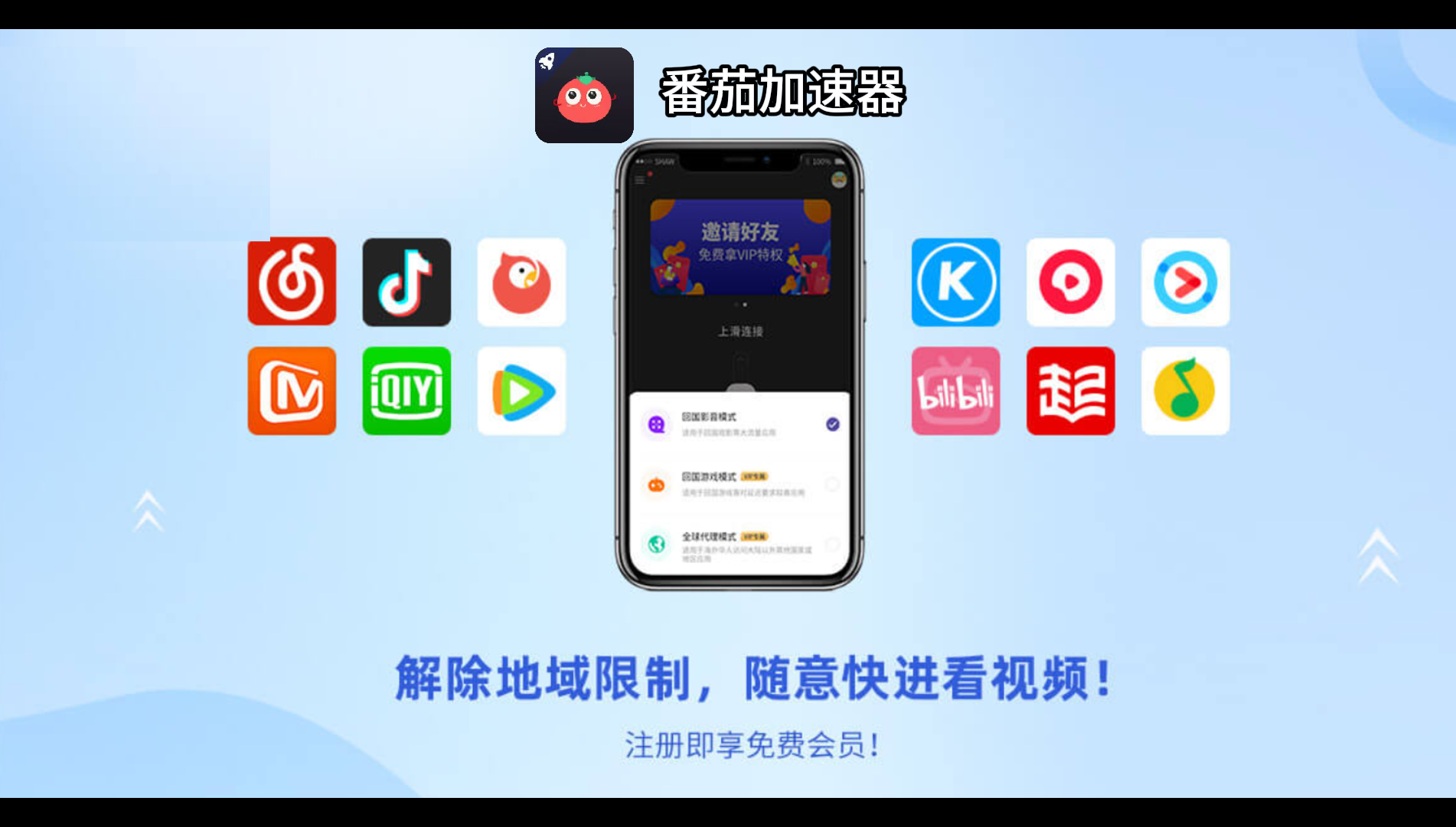
Whether you’re missing the Euro Cup (在海外怎么看欧洲杯), NBA games, or gearing up for the 2026 World Cup, Tomato Accelerator is the solution you need. It breaks down region barriers for CCTV5 and Migu Video, offers stable streaming with unlimited data, and works on all your devices. Don’t let distance stop you from enjoying your favorite sports—try Tomato today and never miss a crucial moment again.